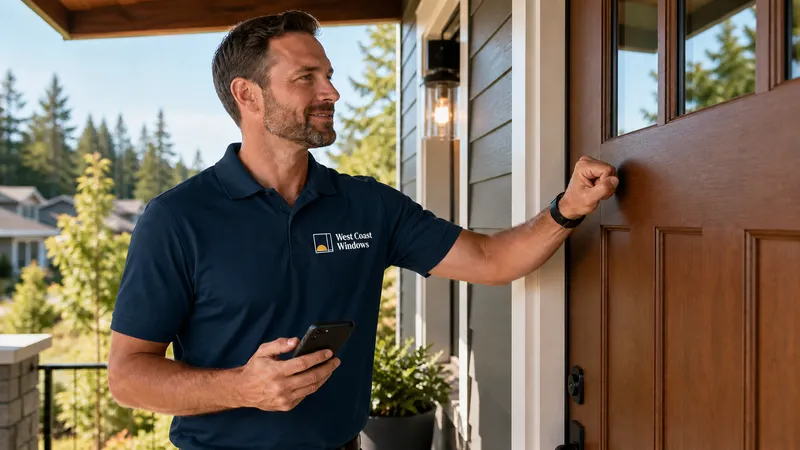
“Where are my windows?”
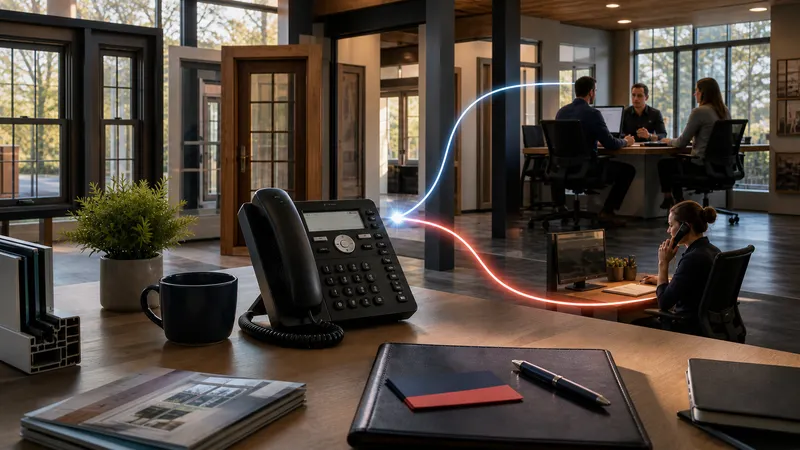
Your project coordinator answers that question a dozen times a day. Builder Prime users report 8 to 15 status calls daily. Every one is the same question, asked by a homeowner who has no other way to find out.
Here is the part that stings. Not one of those calls moves a job forward.
The Homeowner Project Portal answers it before they think to ask. One link, no password, your brand on it, and every part of the job already on the page.
The biggest hole in this industry’s software
Look at what your CRM hands the homeowner the moment they sign.
JobNimbus: a no-login share link with a status and some attachments. A real portal has been an open customer request for years.
Builder Prime: nothing at all.
i360: four manual “customer contact” checklist steps and a workflow email.
CompanyCam: signatures, payments and reviews, all plan-gated add-ons.
So a homeowner signs a $20,000 contract and then goes dark for six weeks. They call because calling is the only instrument they have. And every call they make is a call your coordinator did not plan for.
One link. No password. Your brand.
The portal goes out from the project itself. You open it, copy the link, send it. No account for your customer to create, no password for them to forget, and you can cut access off whenever you need to.
What loads is your company. Your logo, your colors, your people. Not ours.
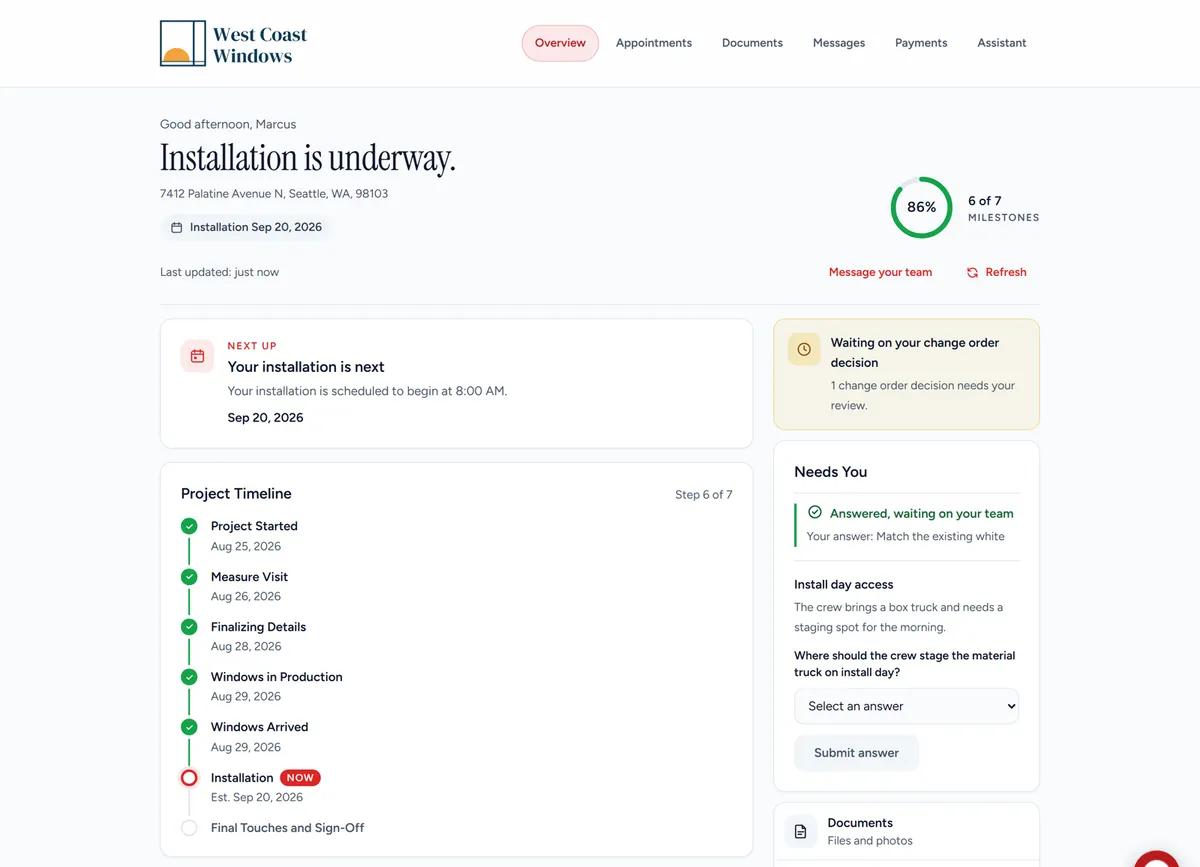
That is a real project, not a mockup. Here is what the homeowner gets.
A plain answer to the only question they have. Installation is underway. Six of seven milestones. Install day right there in the header. Every step carries the date it actually happened.
Needs You. When your team is blocked on the homeowner, it lands in one panel. Trim color, gate access, where the crew stages the truck. They answer in a tap and the coordinator has it. No voicemail tag, no “I left you a message Tuesday.”
Change orders, priced line by line. They approve or decline each item separately, then sign on the page. The signed document lands on the project as part of the record.
The rest of the job, in the same place. Documents holds the whole paper trail: agreement, estimate, change orders, receipts, measure summary, warranty. Messages is one thread the coordinator and the rep both read, so the homeowner writes once. Payments shows the contract total, what has been paid and what is left. Appointments carries the arrival window, the crew and the access notes.
It starts before they sign
The portal is not just a post-sale tracker. The estimate is the first thing waiting in it, priced line by line, with every Ways to Save option your consultant built. The homeowner picks a plan, your team sees the choice immediately, and nothing is signed until they are ready.
Once the agreement is signed, the portal asks them to pick a time for the measure visit. Those are real openings, on days a tech is already working their area. They tap one and it is booked, with the name of the person coming out.
No phone tag. Nobody waiting on a callback. And a measure on the calendar the same night they signed.
An assistant that cannot make things up
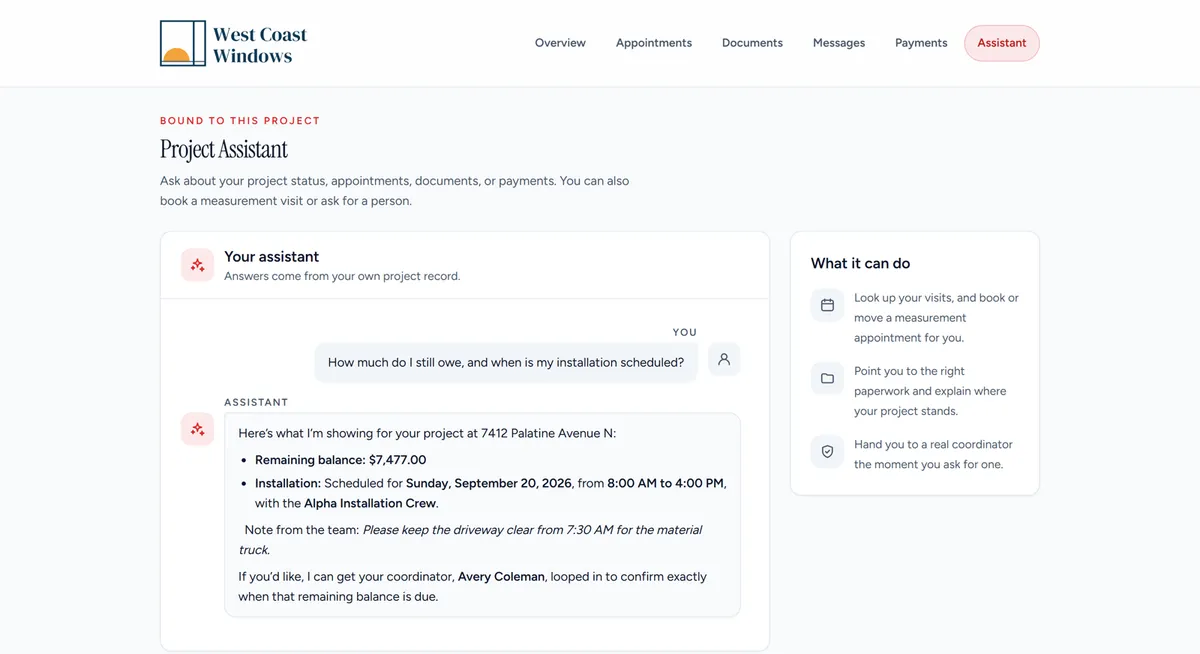
Ask it anything about the job and it reads straight from that project’s record. The install date it gives matches Appointments. The balance it gives matches Payments to the penny.
It is not a general chatbot guessing at your business. It is bound to one project, and the moment the homeowner asks for a person, it hands them to their coordinator by name.
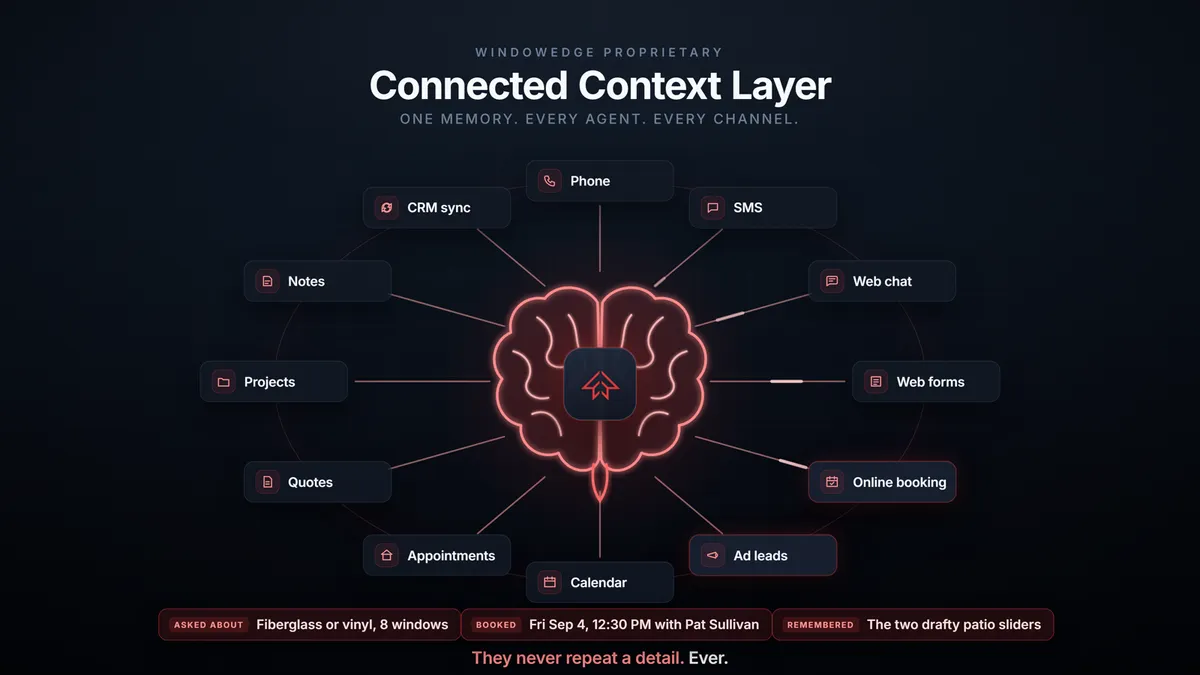
That works because the portal is not a separate app keeping its own copy of the truth. It reads the same connected context every other agent on the platform reads: the phone call, the text thread, the web chat, the quote, the appointment, the CRM sync. One memory behind every channel.
What this is worth to the dealer
| Before | With the portal |
|---|---|
| 8 to 15 status calls a day | The answer is already on their phone |
| “Did you ever get my signature?” | Signed agreement on the project, timestamped |
| Change orders chased by phone for days | Approved, declined and signed the same evening |
| Measure booked after three rounds of phone tag | Booked the night they sign, into a real route |
| The coordinator is the single point of failure | The project answers for itself at 11pm |
| Your software vendor’s brand in front of your customer | Your logo, your colors, your company |
The portal is not a feature you sell. It is the reason a homeowner writes “I never had to call once” in a review, and the reason your coordinator gets their week back.
See it on a real job
Book a demo and we will walk a live project through the portal, estimate to sign-off.
Your competitors are still answering the phone.